
examples/electron-chat
app is the reference integration. It keeps Crosslink in Electron’s main process
and gives the sandboxed renderer narrow IPC operations for status, pairing
sessions/mode changes, messages, revocation, and pairing lifecycle events. A
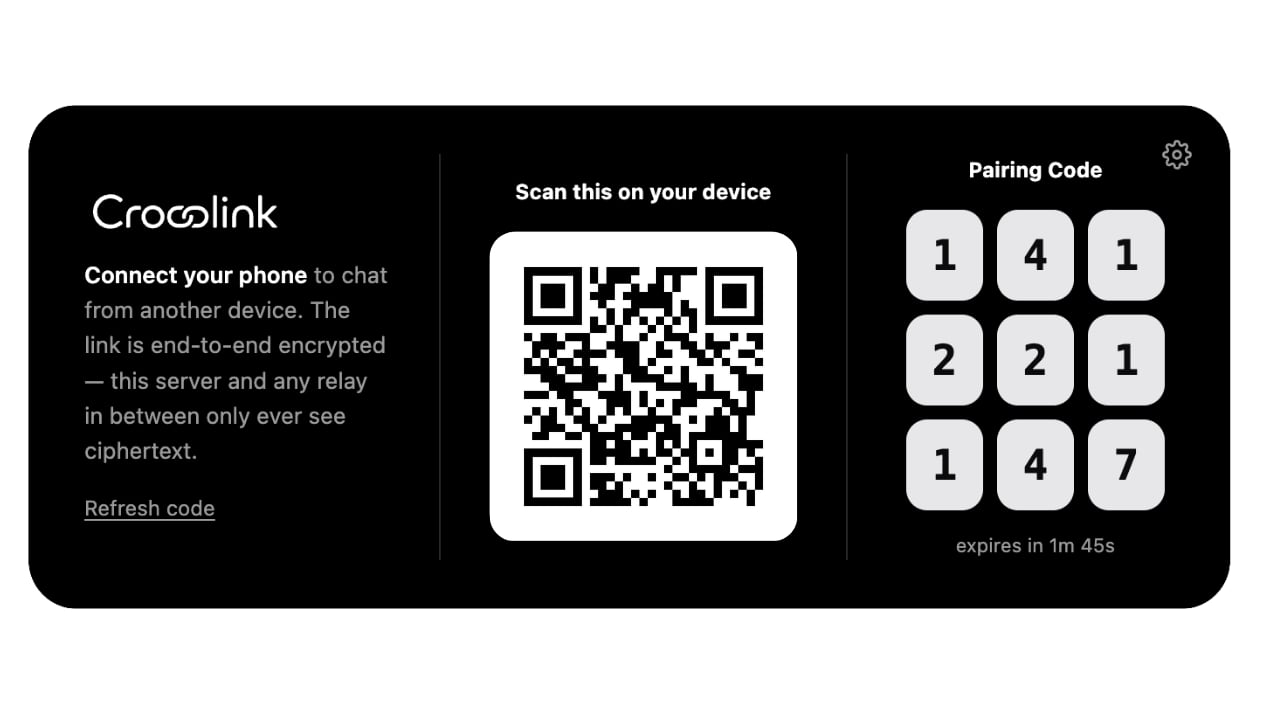
custom PairingSource adapts that bridge to the same createPairingCard() used
by HTTP-hosted desktop pages; the example does not implement its own QR, code,
refresh, or invalidation UI.
Process boundary
The example uses
contextIsolation: true, sandbox: true,
nodeIntegration: false, webSecurity: true, a restrictive CSP, denied
permissions, denied navigation/windows, and exact IPC sender validation. Its UI
loads through a registered secure custom protocol rather than file://.
Host configuration
safeStorage after app.whenReady() and stores only
its encrypted ciphertext under userData. If OS encryption is unavailable it
uses the encrypted-file backend; it never silently selects plaintext.
Reachable from any network
Use authenticated HTTPS signaling and relay endpoints for predictable remote reachability:CROSSLINK_NETWORK_MODE=remote; startup fails if it cannot establish a real
remote route. Never expose a renderer HTTP control panel on 0.0.0.0; only the
encrypted Crosslink transport should bind to the LAN/public interface.
Package installers
electron-builder produces macOS, Windows, or Linux artifacts on the matching
host OS. Production releases still need your platform signing identity,
notarization, and update-signing configuration.